
Storecraft Chat Agent
Demo
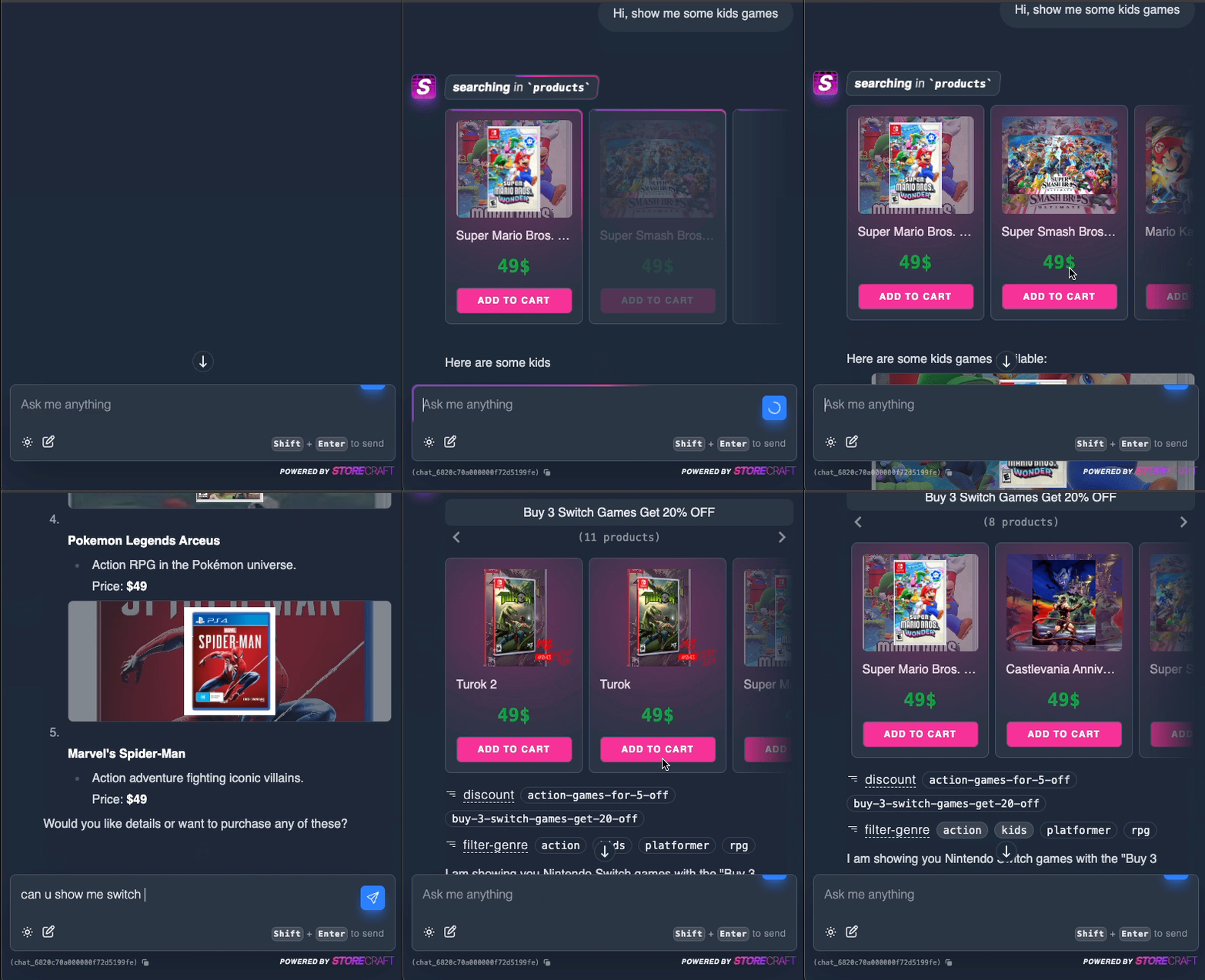
How to
If you want to add agentic capabilities to your store, be sure
to add withAI and withVectorStore to your app.
const app = new App({general_store_name: 'Wush Wush Games',// ... MORE Mandatory CONFIG}).withPlatform(new NodePlatform()).withDatabase(new LibSQL()).withStorage(new NodeLocalStorage('storage')).withMailer(new Resend()).withPaymentGateways({paypal: new Paypal({ env: 'test' }),stripe: new Stripe(),dummy_payments: new DummyPayments(),}).withExtensions({postman: new PostmanExtension(),}).withAI(new OpenAI({ model: 'gpt-4o-mini'})).withVectorStore(new LibSQLVectorStore({embedder: new OpenAIEmbedder(),})).withAuthProviders({google: new GoogleAuth(),}).on('order/checkout/complete',async (event) => {// send a team slack message}).init();
This, in turn, will generate a full commerce solution backend for you, with all the bells and whistles.
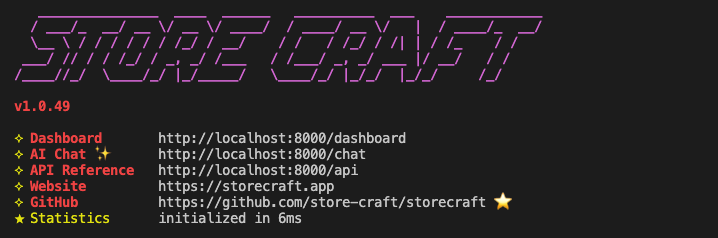
From there, you can access the chat agent via the /chat endpoint, and it will be able to answer questions about your store, and even take actions on it.
Features
Currently, the agent can do the following:
- Answer questions about your store
- Search products / collections / discounts and more by keywords and tags
- Search products / collections / discounts and more by Similarity search
- Show you collections of products with frontend browser
- Show you discounted products with frontend browser
Soon, we will add:
- Ask about your orders
- Prepare cart
- Create checkout
All Rights Reserved, storecraft, (2026)