
Products Collections
Products by their own are nice, but we usually would like to have them as part of a collection of products with similar properties. For example:
- 👕 A group of shirts.
- 🩳 A group of pants.
- 💸 A group of of products with a discount.
You get the idea, this is how we are used to shop. Similar products are grouped together so they can be easily found.
Fortunately, storecraft support a concept called collections.
Collections are containers of products. Given a product in storecraft,
you can tell storecraft, that the product belongs to a collection.
Each product can belong to multiple collections. So, as an example,
A Honda car can belong to cars collection, but also to a honda collection.
Users will be able to pull collections by their handle. A handle is like a unique id, but has another benefit - it is human readable.
For example, a collection of SUV Cars can simply have a handle suv-cars, which
is readable, human readable. We make sure, that a handle can only be created once,
giving it the property of uniqueness as well.
You probably want to know how does the connection between a product and a collection happens. Well, it is quite simple:
- Every
producthas acollectionsproperty, which is just a list of collections handles, that the product belong to. - In addition, upon product update at storecraft, every product's search property is augmented
with
col:<COLLECTION-HANDLE> - Both of this help with retrival, indexing and querying of products in collections.
How Do I add products to collections ?
There are three ways to do so
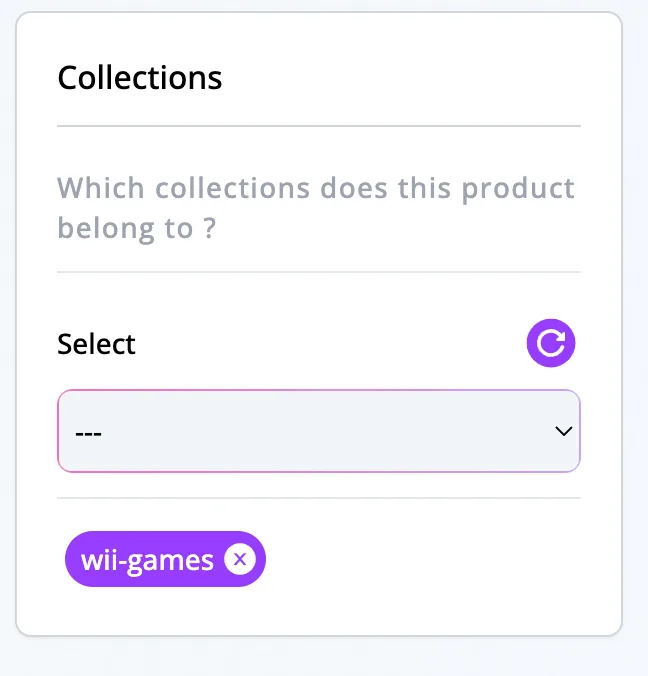
From a product page
Inside each product page, there is a collections card
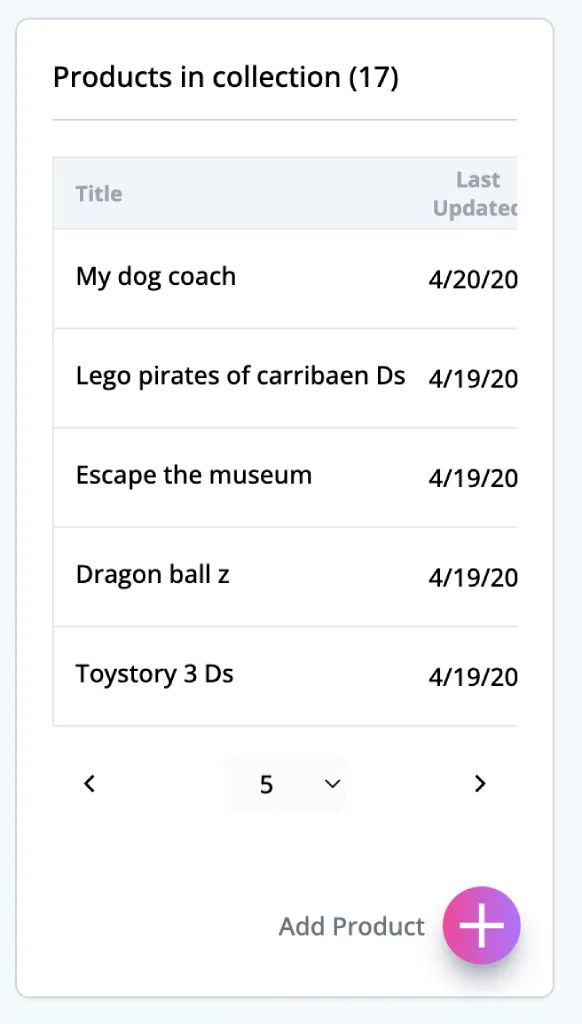
From a collection page
Inside each collection page, there is a Products in collection card
Exporting Collections (coming soon 🧪)
But, it might be costly to query products of a collection every time from the database,
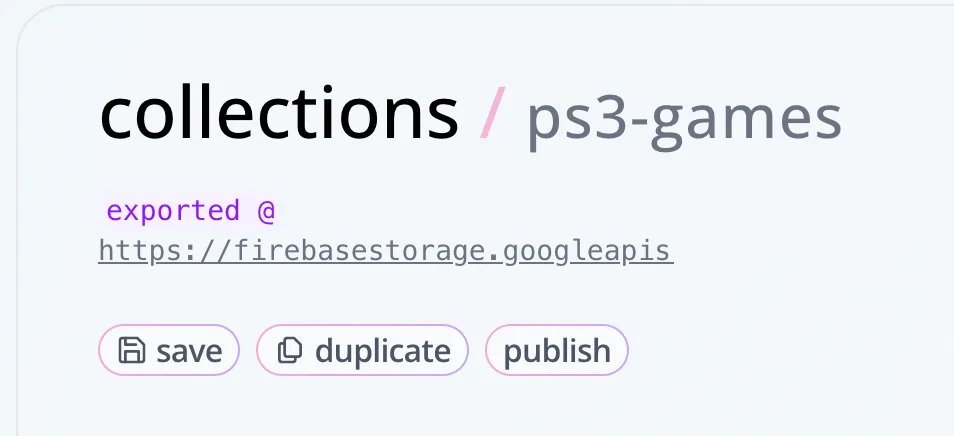
therefore, the recommended way is to export a collection (publish operation in storecraft).
Every time you add products to a collection, you can feel free to publish again.
When a collection is published at storecraft
- The database is queried to find all of the products, that belong to this collection.
- The products list is merged into a collection object.
- The object is serialized into
JSON - The file is uploaded to your
storecraftStorage - the collection's
publishedproperty links to the url of the file
retrieving a file from object storage has many benefits:
- It is cheaper than querying the database
- If it is a small collection, the file is small.
- It can be cached on the client, which makes a nice balance between cache hit and miss
- Given that you download all the products in the collection, then you can easily create the fastest client side product filtering. As opposed to backend side filtering.
Using this method can yield great results. It is fast, cost-effective and many times is the right thing to do.
tip, click the
publishbutton
All Rights Reserved, storecraft, (2026)